
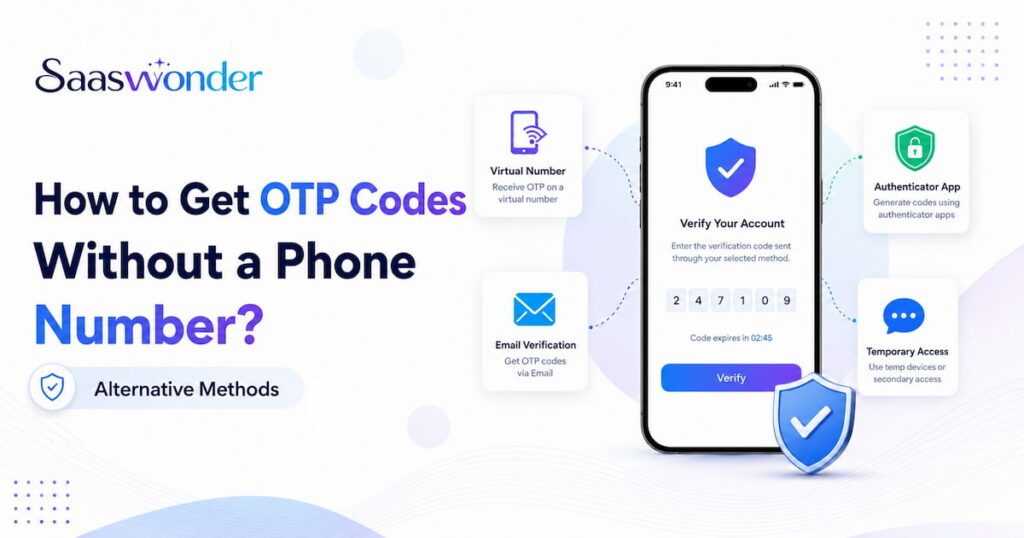
A one-time password (OTP) adds an essential layer of security on top of your regular password, protecting your accounts from unauthorized access. That’s why many services, from banks to social media platforms, rely on OTPs to verify users during sign-ups, logins, and transactions.
But what if you need to receive an OTP and don’t have access to your phone number? Maybe you don’t want to share your personal number with a platform, or perhaps your old number is no longer active.
The good news is that there are secure and practical ways to get OTP codes without using a traditional phone number. In this guide, we’ll walk you through several trusted methods, so you can verify your identity safely and conveniently.
Key Highlights:
- OTPs strengthen account security by adding an extra layer of protection during logins, sign-ups, and transactions.
- You can receive OTPs without a phone number using methods like email verification, authenticator apps, hardware security keys, or virtual phone numbers.
- Authenticator apps and hardware keys offer high security but may not work on all platforms or require setup and purchases.
- Virtual phone numbers are the most flexible option and are perfect for getting OTPs quickly, securely, and without needing a SIM card.
Why & When Do You Need an OTP?
You need a one-time password (OTP) both to confirm your identity and to strengthen account security. OTPs prevent unauthorized access and protect sensitive information by ensuring that only you can complete certain actions online.
Here are some common reasons and situations where OTPs are used:
- Logging into Accounts: You receive an OTP when signing in to banking, email, or social media accounts, especially if you’re using a new device or are in an unfamiliar location. It helps verify that it’s really you trying to log in.
- Financial Transactions: Banks and payment services use OTPs to confirm transfers or purchases, adding a final layer of approval before any money moves.
- Password Resets: When you forget your password or request a reset, an OTP is sent to you to verify ownership of the account before allowing any changes.
- Multi-factor Authentication (MFA): Many organizations use OTPs as part of MFA, which combines your password with a temporary code for added protection against breaches.
- Online Services and Apps: Websites and mobile apps often send OTPs to confirm email addresses or phone numbers during registration, ensuring the information belongs to a real user.
When Do You Need an OTP: Common Scenarios Requiring OTPs?
You might need an OTP where additional security is required to verify your identity or protect your account from unauthorized login.
Some common scenarios include:
- Login to Accounts: When accessing your online accounts, such as banking, email, or social media, an OTP is sent to verify your identity during the login process, especially from a new device or location.
- Financial Transactions: OTPs are commonly used to authorize payments or transactions, ensuring that only the account holder can complete a purchase or transfer fund.
- Password Resets: If you forget your password and request a reset, an OTP is sent to your phone or email to verify your identity before setting a new password.
- Multi-Factor Authentication (MFA): Many organizations implement MFA as an extra layer of security that requires OTP to access sensitive data or systems.
- Online Services and Apps: Some services require OTPs to sign up, verify email addresses, or confirm phone numbers to ensure legitimate information.
How to Get OTP Codes Without a Phone Number?
You can get OTP codes without a phone number by using email verification, authenticator apps, or hardware security keys. These methods let you securely receive or generate OTPs through the internet or offline devices, eliminating the need for SMS-based verification.
1. Use Email Verification
Many online services let you receive OTP codes directly through your email instead of a phone number. When signing up or enabling two-factor authentication (2FA), you can often choose email as the delivery method. Once selected, the system sends a temporary code to your registered email address, which you must access quickly since OTPs usually expire within minutes.
Things to Know:
This option is ideal if you don’t have mobile service or prefer not to share your phone number. It’s convenient, internet-based, and works globally. However, make sure your email account itself is secure. So, use a strong, unique password and enable two-factor authentication to protect it from unauthorized access.
2. Use Authenticator Apps
Authenticator apps are another reliable way of getting OTP codes without phone numbers. They generate secure, time-based one-time passwords (TOTPs) that work even without an internet connection or mobile network. Apps like Google Authenticator, Microsoft Authenticator, or Authy create short codes that refresh every 30 seconds to verify your identity safely.
When you enable two-factor authentication (2FA) on a service, you’ll usually see an option to use an authenticator app. The platform gives you a unique secret key, often displayed as a QR code. You scan it using your app, which securely stores the key and starts generating temporary codes based on the current time. When logging in, you enter your password and the current code from the app. If it matches the code generated by the service, you’re granted access.
Things to Know:
You can only use authenticator apps with services that support 2FA or MFA. Most major platforms, such as Google, Facebook, Amazon, and popular banks, offer this feature because it’s far more secure than SMS-based codes. However, smaller or older websites might not support it. Always check the security settings of your account and choose the authenticator app option whenever available for the highest level of protection.
3. Use Hardware Security Keys
For maximum protection, you can also use a physical device such as a YubiKey or Google Titan Security Key to receive OTPs without needing a phone number. These devices plug into your computer’s USB port or connect through NFC (Near Field Communication) on your phone to verify your identity securely.
When setting up your account, you scan a QR code provided by the service using the Yubico Authenticator app (or a similar one). The hardware key stores a unique secret linked to your account, allowing it to generate six-digit OTP codes whenever needed. You simply insert or tap the key, open the app, and enter the displayed code to log in.
Things to Know:
Hardware security keys are among the most secure ways to verify your identity. They work offline, protect against phishing, and don’t rely on phone numbers or internet access. However, they come with a few drawbacks. You must keep the physical key safe, and losing it can lock you out of your accounts. These keys also cost money, and not all websites or apps support them yet.
How to Get OTP Codes Without Using Your Personal Phone Number?
While the methods mentioned above explain how you can receive OTPs without relying on any phone number, there are also other practical ways to get OTPs when you don’t want to use your personal number. One popular option is to use virtual phone numbers.
Depending on your needs, you can choose between paid and free virtual phone numbers, which can be either temporary or long-term.
Paid Virtual Phone Number
Paid virtual numbers are ideal for long-term use. They not only let you receive OTPs securely but can also be used for calls, texting, and account verifications across multiple platforms. These numbers are reliable and less likely to be blacklisted by major services, making them suitable for business or frequent online use.
Things to Know:
Paid virtual numbers usually require a monthly or yearly subscription. Additionally, there are also providers offering rental numbers. They offer better privacy, reliability, and stability compared to free services. However, you’ll need to choose a trusted provider to avoid data misuse and ensure consistent service availability.
Free Virtual Phone Numbers
Free virtual phone numbers are the simplest way to receive OTPs without using your own number. Many websites and apps offer them without requiring you to sign up. For temporary numbers, you can just visit the site, copy a listed number, and paste it into the service where you need to receive the OTP code from. Some other platforms, however, ask you to create a free account to get a personal number for verification purposes.
Things to Know:
While such numbers are convenient, they come with several limitations. If you’re trying to get a long-term number through services like Google Voice or TextNow, you must be located in a supported region such as the US or Canada.
Similarly, websites like AnonymSMS or Receive-smss.com, some of the free temporary number providers for OTP, list public numbers on their pages, which means your OTP messages can be viewed by anyone. So, while they’re useful for quick, low-risk verifications, avoid using them for sensitive or permanent accounts.
Things To Consider While Getting OTP Codes Without a Phone Number
Here are some things to keep in mind before using any of the methods discussed above to receive OTP codes:
- If your account is already linked to a phone number, OTPs will go there. So, use email or an authenticator app instead for recovery or login.
- Virtual numbers work best to receive OTPs while signing up for a new account.
- Free virtual numbers are mostly temporary; OTPs may stop arriving once the number changes or expires.
- Paid virtual numbers are more reliable for receiving OTPs long-term.
- Always check platform compatibility since some sites do not send OTPs to public or shared numbers.
- For guaranteed delivery and offline access, consider using a hardware security key.
Conclusion
Whether for logging in, verifying payments, or securing sensitive data, OTPs are the backbone of safe digital interactions. However, if you don’t have a phone number or prefer not to use your personal one, there are several secure alternatives to receive OTPs easily.
While authenticator apps and hardware security keys offer strong protection, they can be complicated, costly, and not always supported by every platform. Whereas virtual phone numbers provide a simpler and more flexible alternative.
Frequently Asked Questions
What is a Virtual Number for SMS?
A virtual number is a phone number that isn’t tied to a physical SIM card or phone line. It can be used to receive SMS, including OTP codes, and make calls.
Can I receive OTP via email?
Yes, you can receive the OTP via email. Users can select email for OTP delivery during 2FA setup.
What’s more secure: SMS OTP vs. app-based TOTP?
App-based Time-based One-time Password (TOTP) is more secure than SMS OTP because it works offline and cannot be intercepted through SIM swap or message hijacking. SMS can be delayed, spoofed, or stolen. TOTP apps like Google Authenticator offer better protection.